Final-year Computer Science project
TongaLang
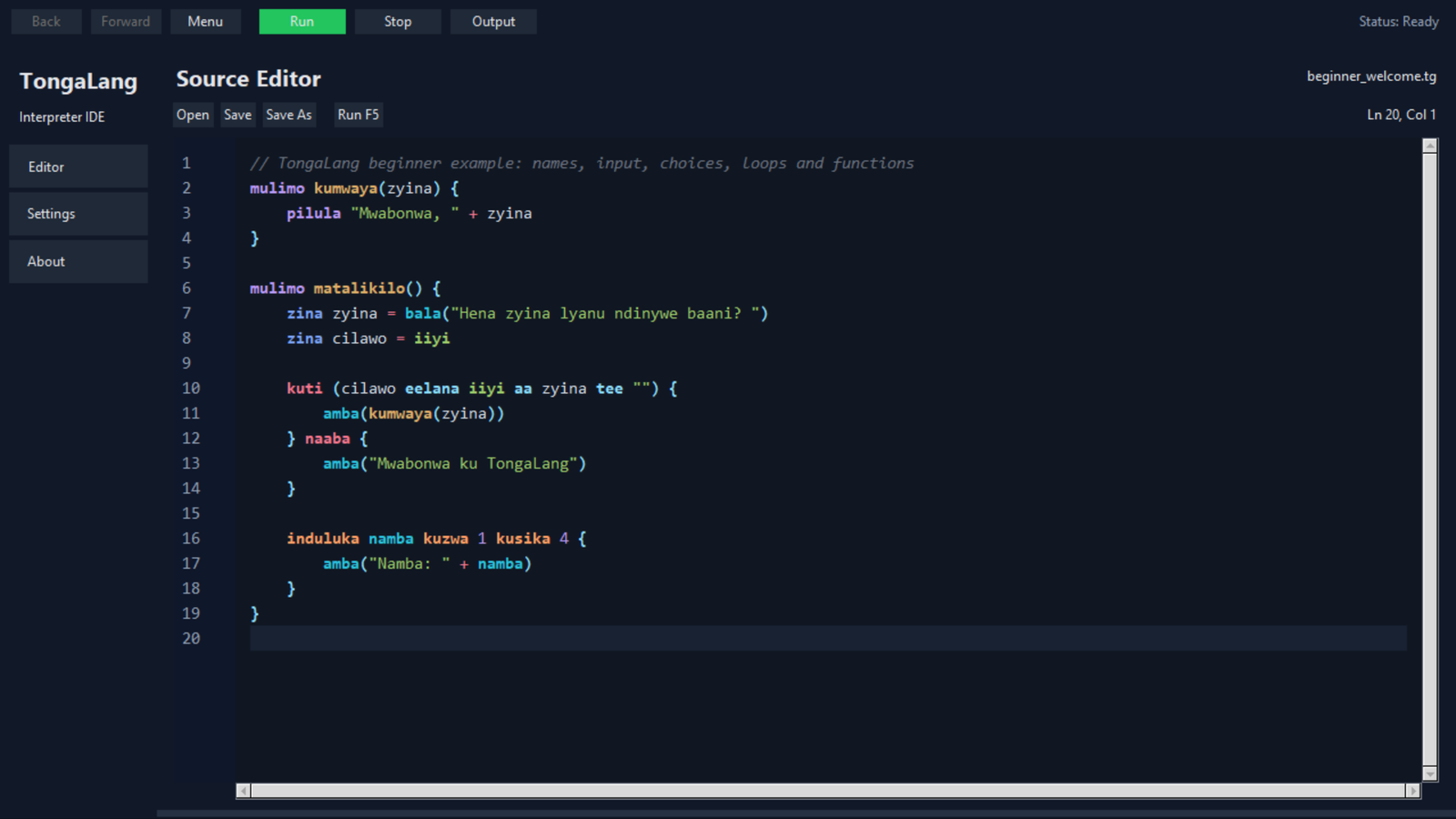
A beginner-focused interpreted programming language with Tonga-derived keywords, guided error recovery and an installable desktop IDE.
- Role
- Developer & Researcher
- Status
- Completed
- Year
- 2025–2026
- Stack
- Python · PLY · Tkinter · Pytest · PyInstaller · .tg files
01 · Context
The problem
Beginner programmers may need to learn programming concepts and interpret unfamiliar English syntax at the same time, adding linguistic and cognitive load.
The response
TongaLang combines Tonga-derived vocabulary with a small interpreted language and a guided desktop workspace. Learners see concepts in context, receive a plain-language recovery step when code is wrong, and stay in control of every suggested edit. Version 0.2.0 can be installed directly on Windows, while documented source and native bundle paths support Linux. It remains an educational language rather than a replacement for mainstream production tools.
02 · Contribution
What I built
- 01
Researched minimal languages and interpreter construction, then mapped core programming concepts into Tonga-derived vocabulary through linguistic research and native-speaker consultation.
- 02
Built the lexer, parser, abstract syntax tree, interpreter, runtime environment and native functions before separating the language engine from its Tkinter IDE.
- 03
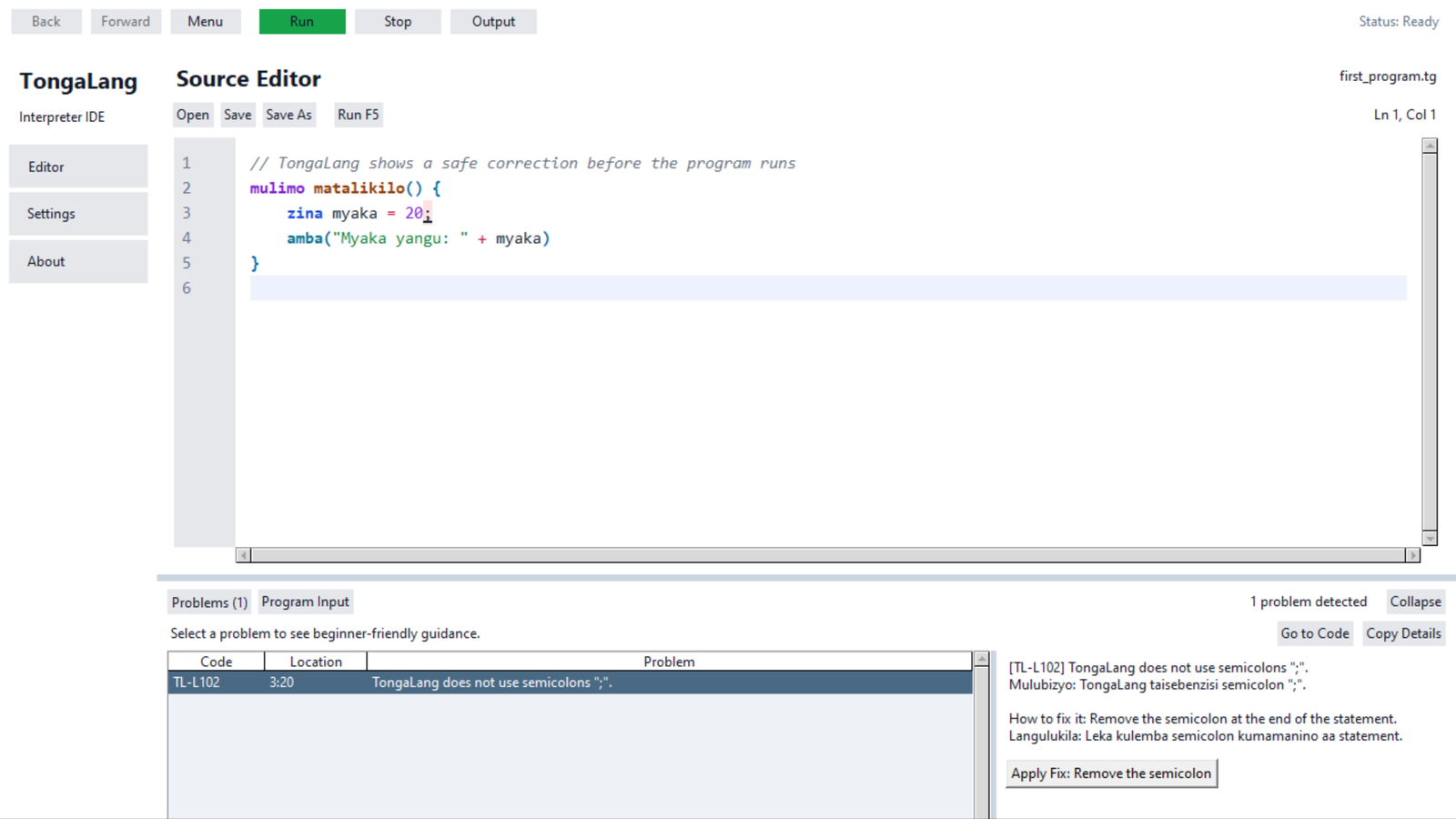
Designed a pure diagnostics model with stable codes, exact source spans, bilingual explanations and guarded edits that never execute or silently rewrite learner code.
- 04
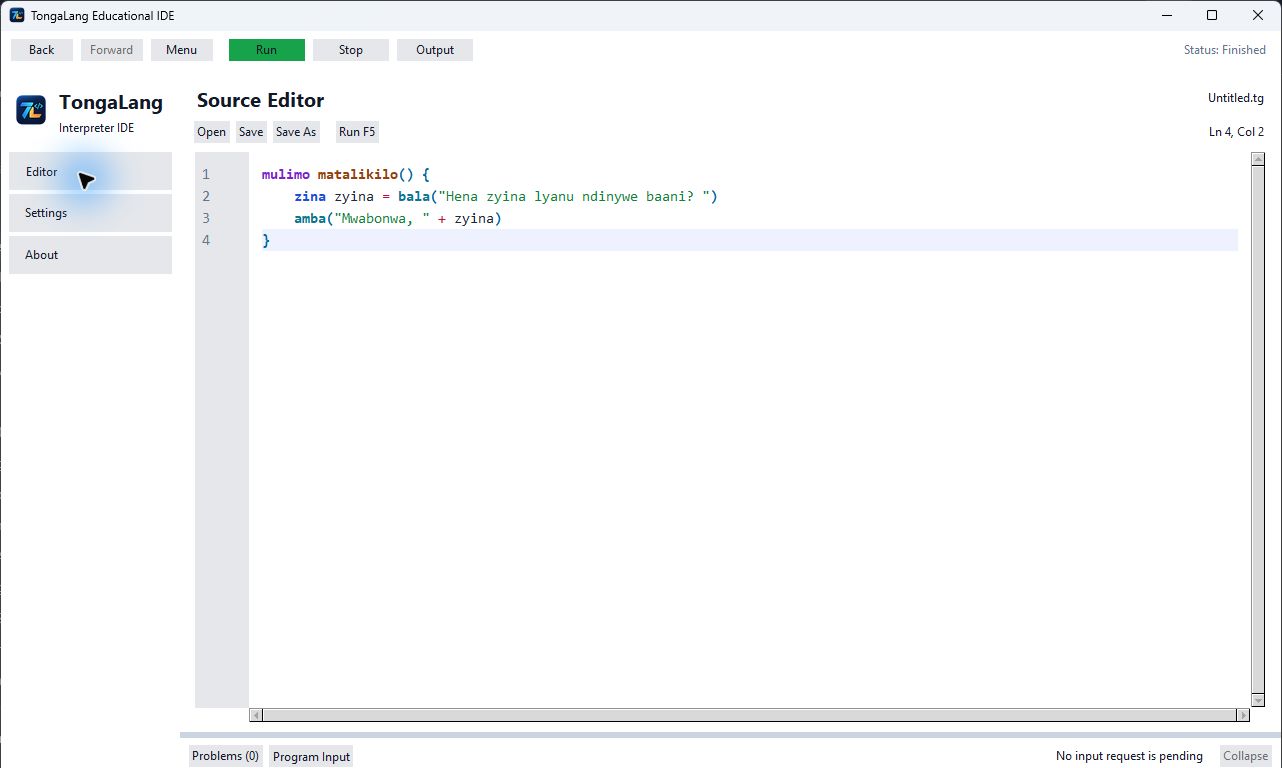
Added debounced live analysis and a collapsible Problems workflow with precise highlighting, Go to Code, Copy Details and undoable Apply Fix actions.
- 05
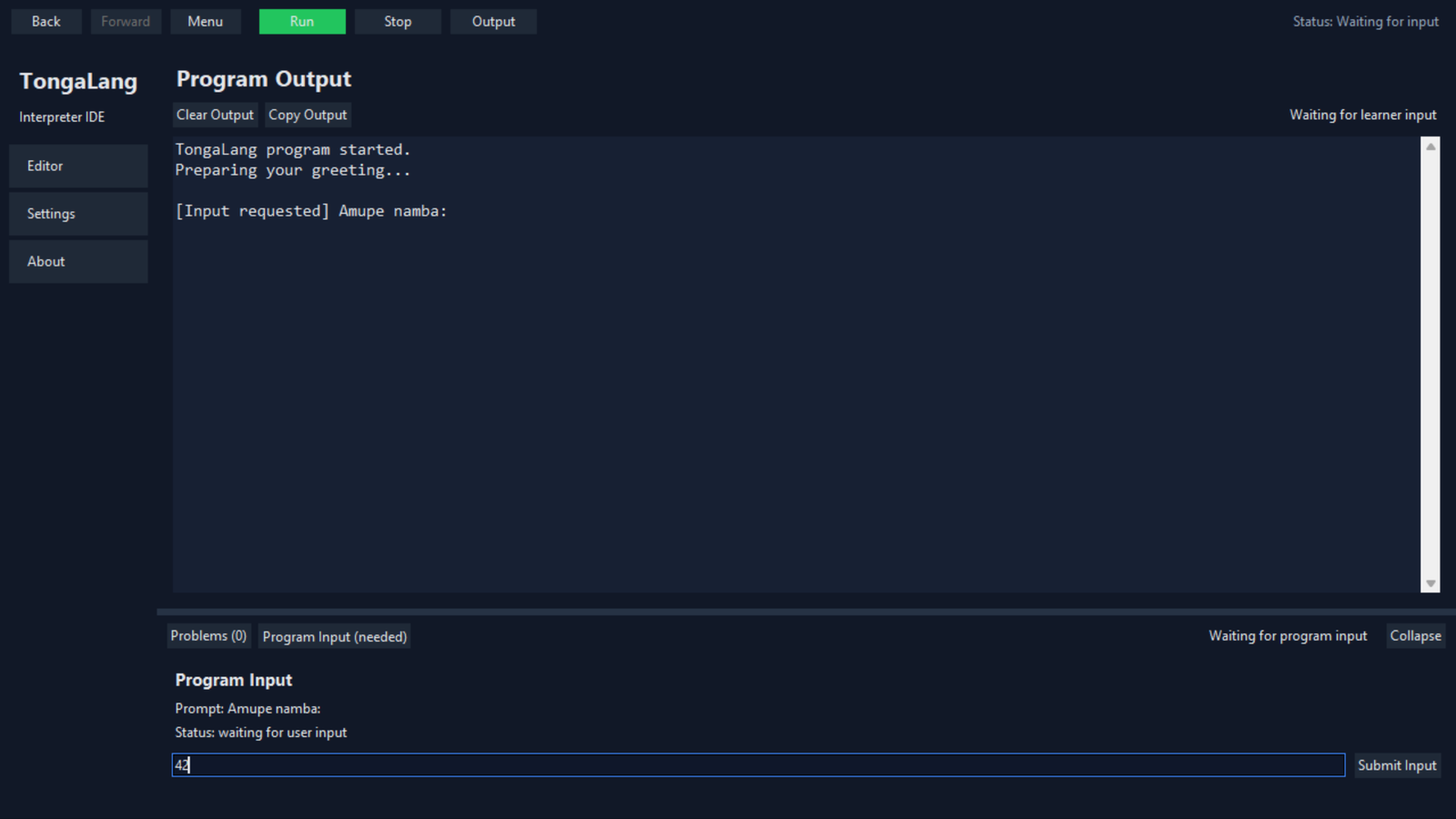
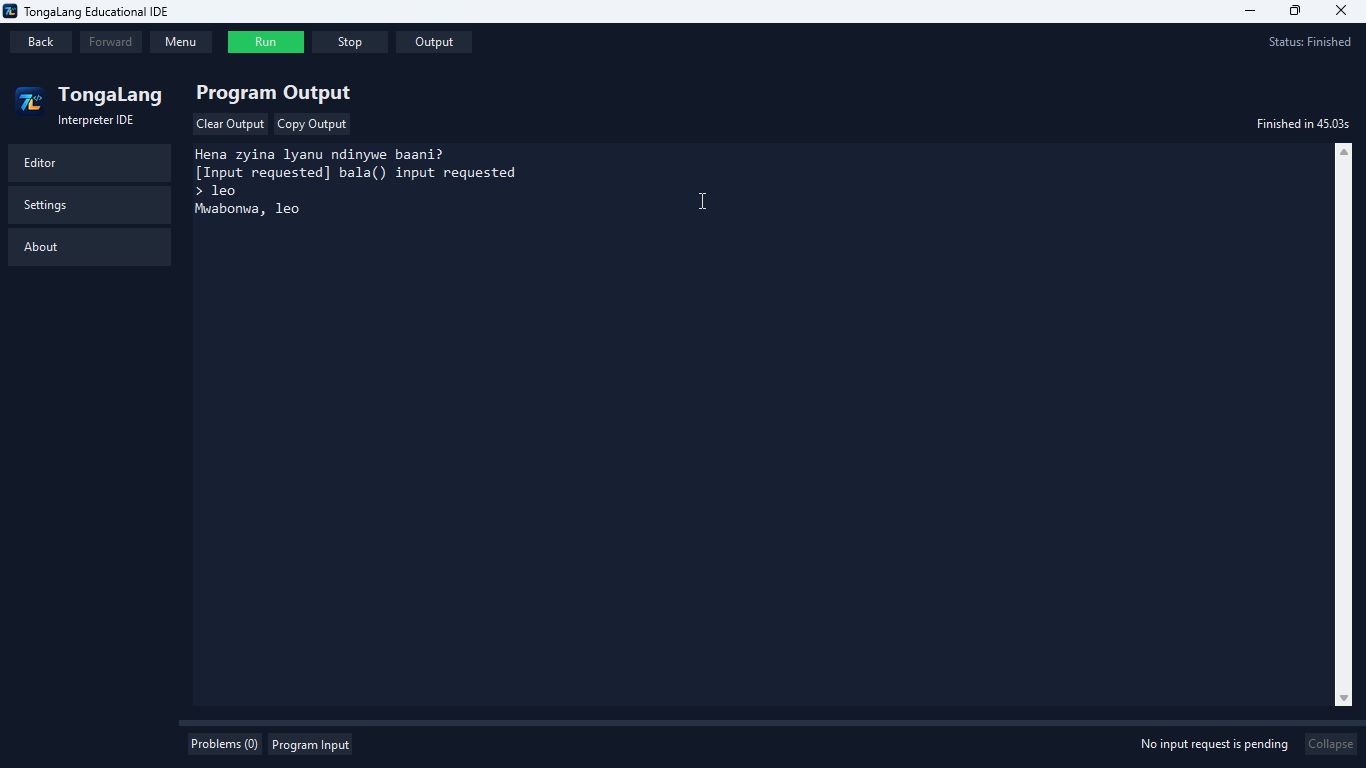
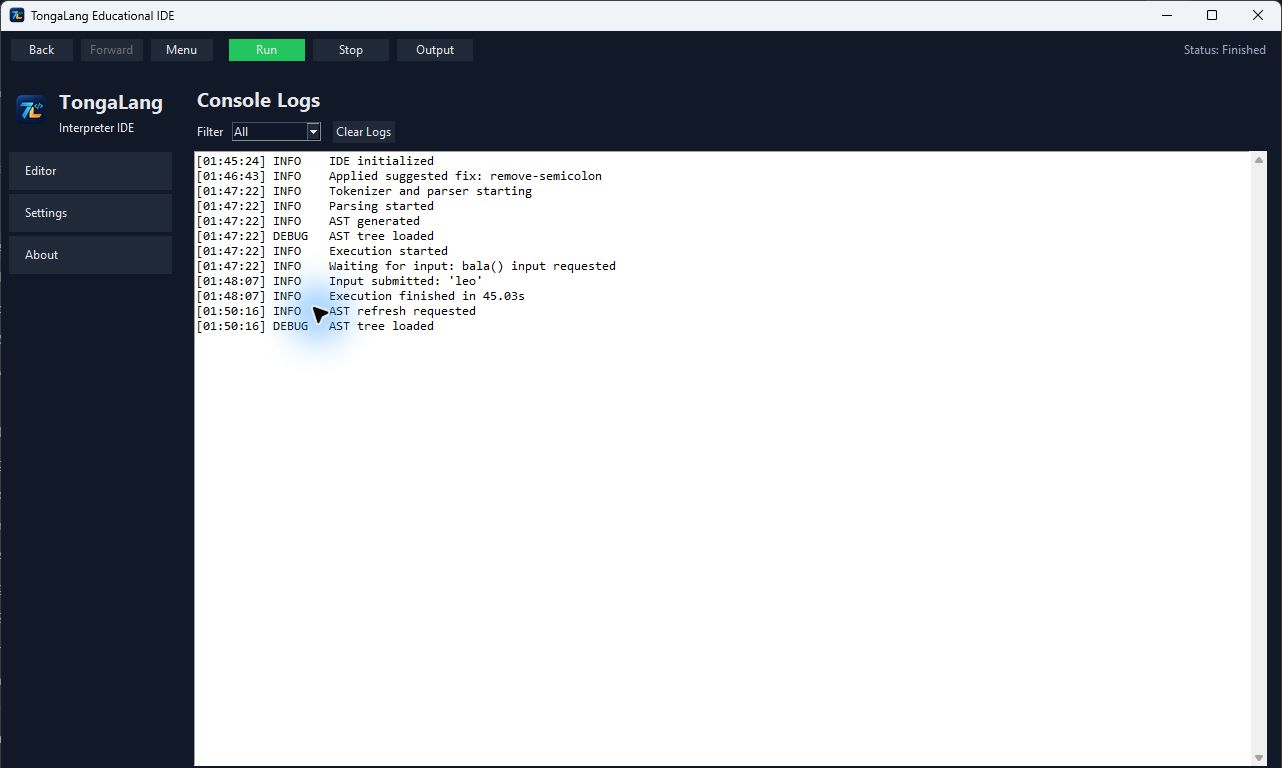
Reworked graphical input around one thread-safe shared dock so bala() pauses only the interpreter, keeps the interface responsive and echoes submitted values into Output.
- 06
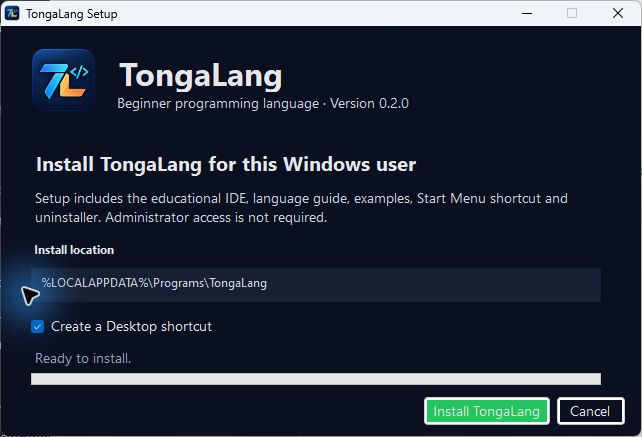
Created the TongaLang visual identity and applied it consistently to the IDE window, executable, desktop shortcut and setup experience.
- 07
Built a reproducible Windows installer that installs per user, includes 17 examples and supports clean uninstallation without requiring administrator access.
- 08
Documented Linux source installation and native bundle creation, then published the checksum-verified v0.2.0 release with privacy-reviewed product evidence.
03 · Implemented evidence
Current
capabilities.
Product evidence
See the work
in context.
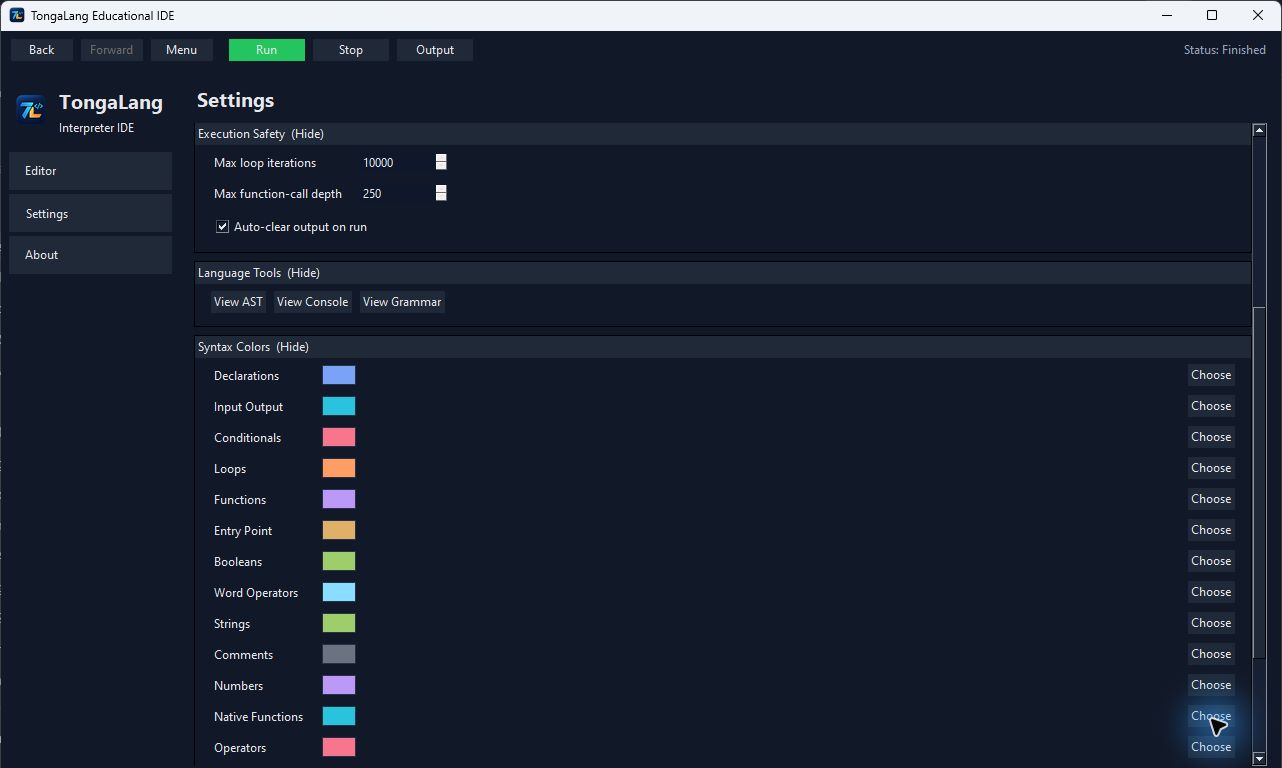
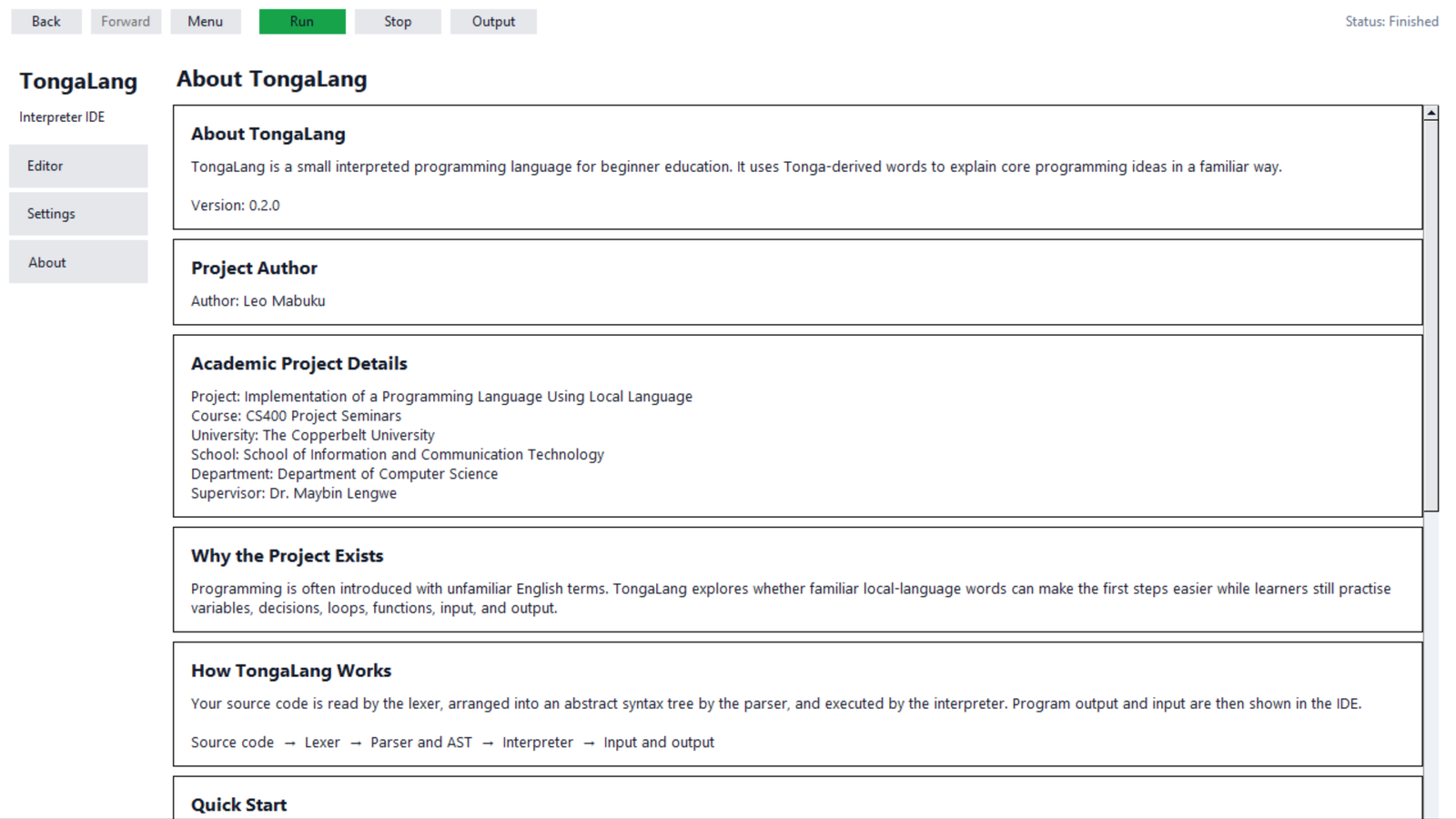
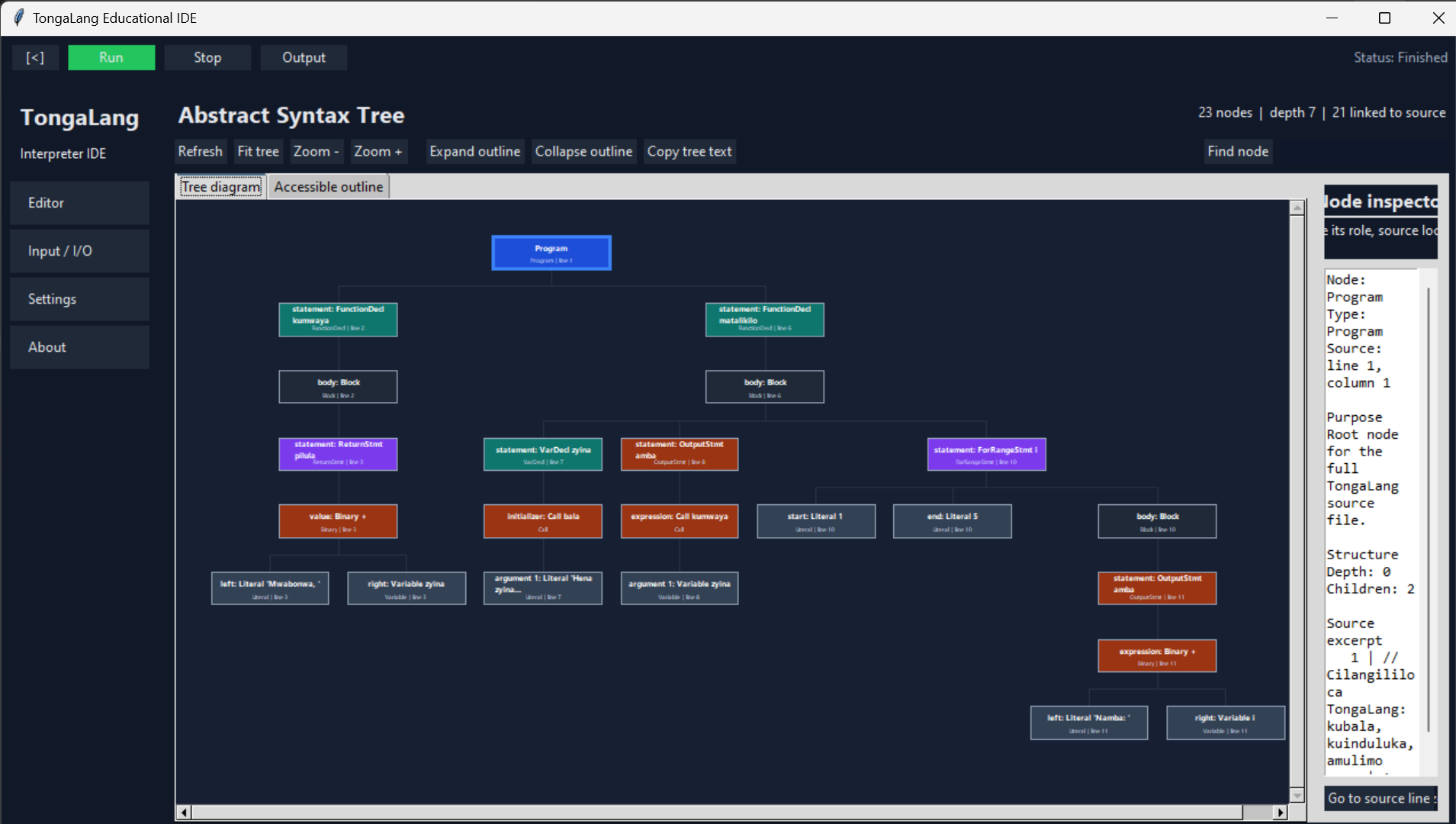
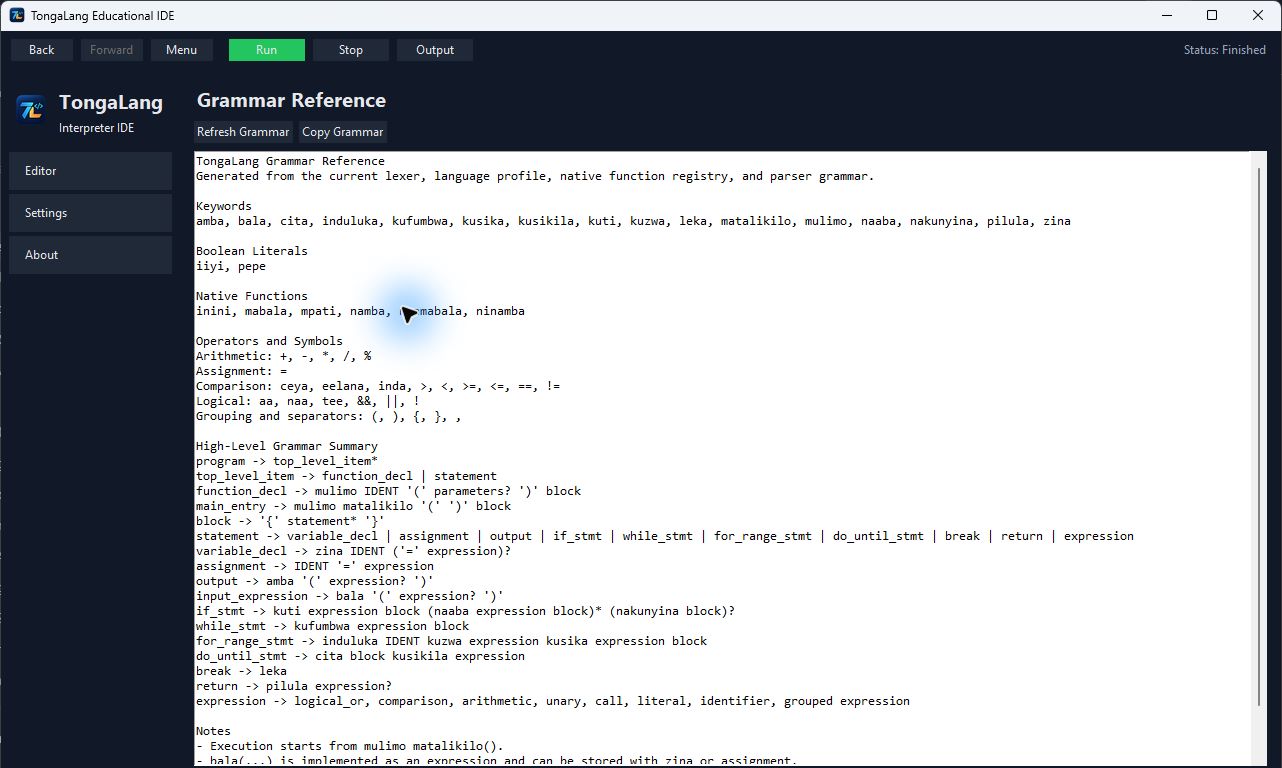
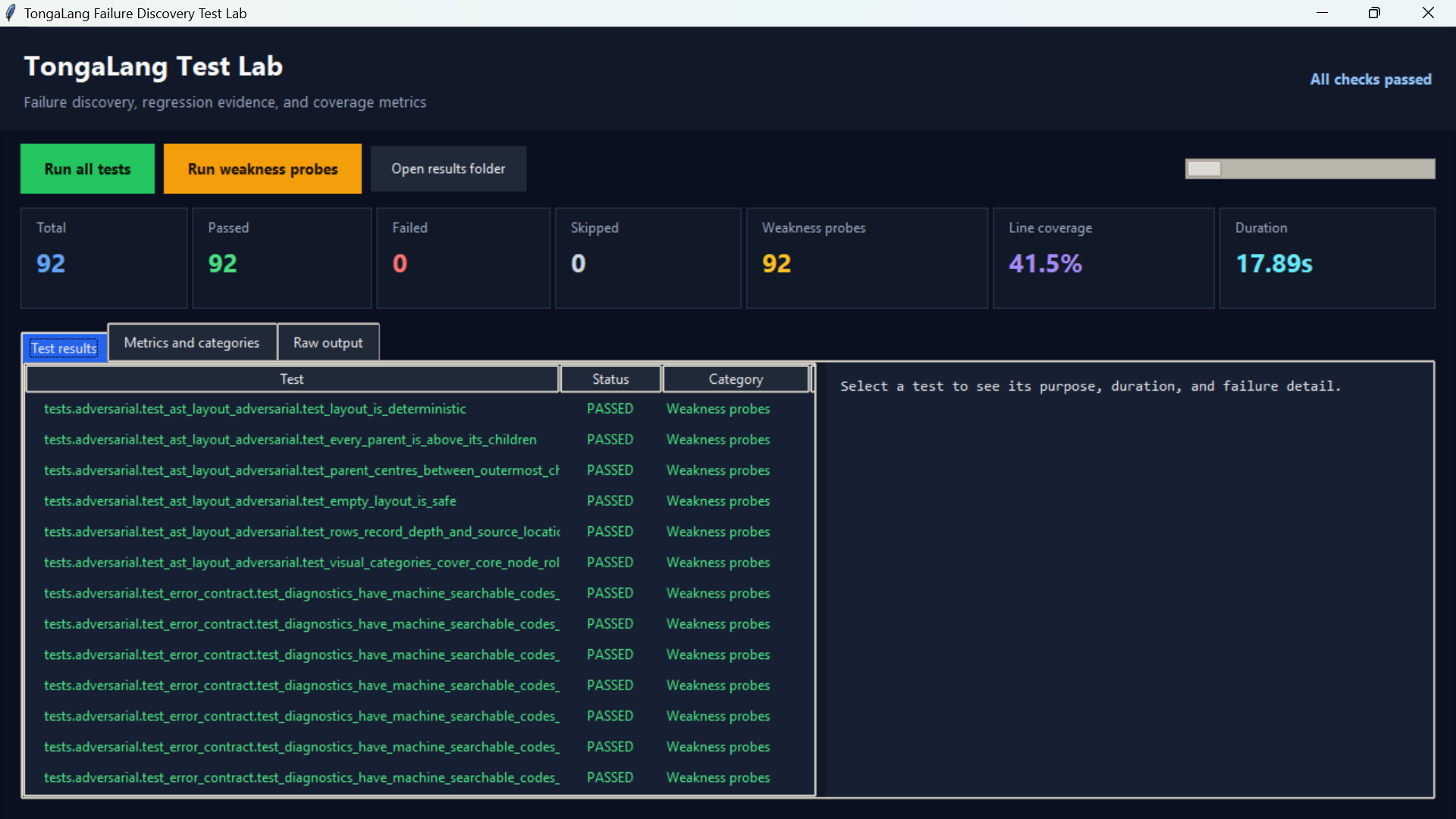
Current, privacy-reviewed captures from the implemented product.
Execution pipeline
From source to
feedback.
- Source .tg program
- Lexer tokens
- Parser grammar
- AST structure
- Interpreter runtime
- Output or guided problem
04 · Engineering
Hard parts,
clear decisions.
Helpful fixes without unsafe guessing
The IDE needed broad recovery advice while editing only deterministic mistakes. Suggested edits therefore carry the expected original text, reject stale source and leave ambiguous choices to the learner.
Input without freezing the IDE
bala() must pause execution, not navigation or scrolling. A worker-thread input provider and single-use queue handoff keep Tkinter responsive and prevent repeated submissions.
One dock across changing views
Problems and Program Input share state, expansion and sash size while Editor and Output change underneath them. Runtime failures, successful runs, pending input and manual inspection each require a distinct transition.
Growing without regressions
Diagnostics, tokens, grammar, runtime behaviour, highlighting and existing programs affect one another, so changes are protected by error-contract, adversarial and GUI integration tests.
Packaging a complete learning environment
The desktop release needed more than a frozen executable. The build now carries the logo, runtime assets and examples into a per-user installer, documents reproducible builds and publishes a checksum for independent verification.
05 · Reflection
What I learned
Planned or still in development
- Add progressive beginner lessons, expected output and resettable examples
- Add keyword and native-function autocomplete with short contextual help
- Add a variable inspector and simple step-through execution
- Persist settings, dock sizes, recent files and safe session recovery
- Arrange a Tonga educator review and formal Narrator or NVDA accessibility testing
- Add release CI, Windows code signing and distribution packages for major Linux formats
Public repository verified on 11 September 2026 at merged commit 956909b: TongaLang 0.2.0 includes 17 runnable examples and passes all 179 automated tests. The Windows installer is published with SHA-256 265e4a204bd56d9326b67c144f4fda966484b29bb8ea076a8c3292453b38f0ec. The silent H.264 walkthrough is 1280×720, 30 fps, 52.03 seconds and 4.15 MB.
Project access